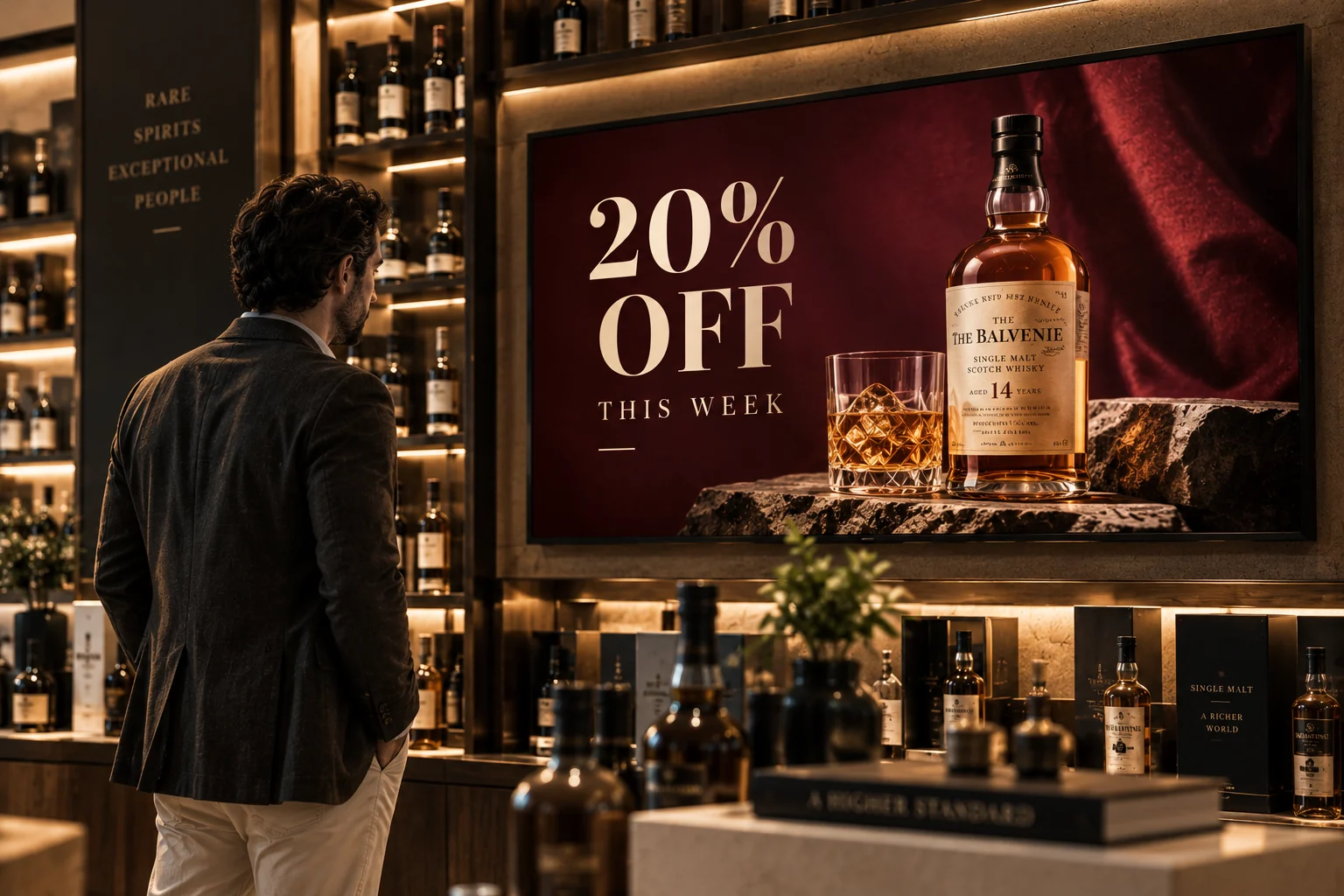
A campaign that fits the moment
Schedule branded visuals and video for a network, branch, group or individual screen.
— managed from anywhere.
Control what appears on every screen, build interactive experiences, and connect content to the products and places that matter — from one clear workspace.
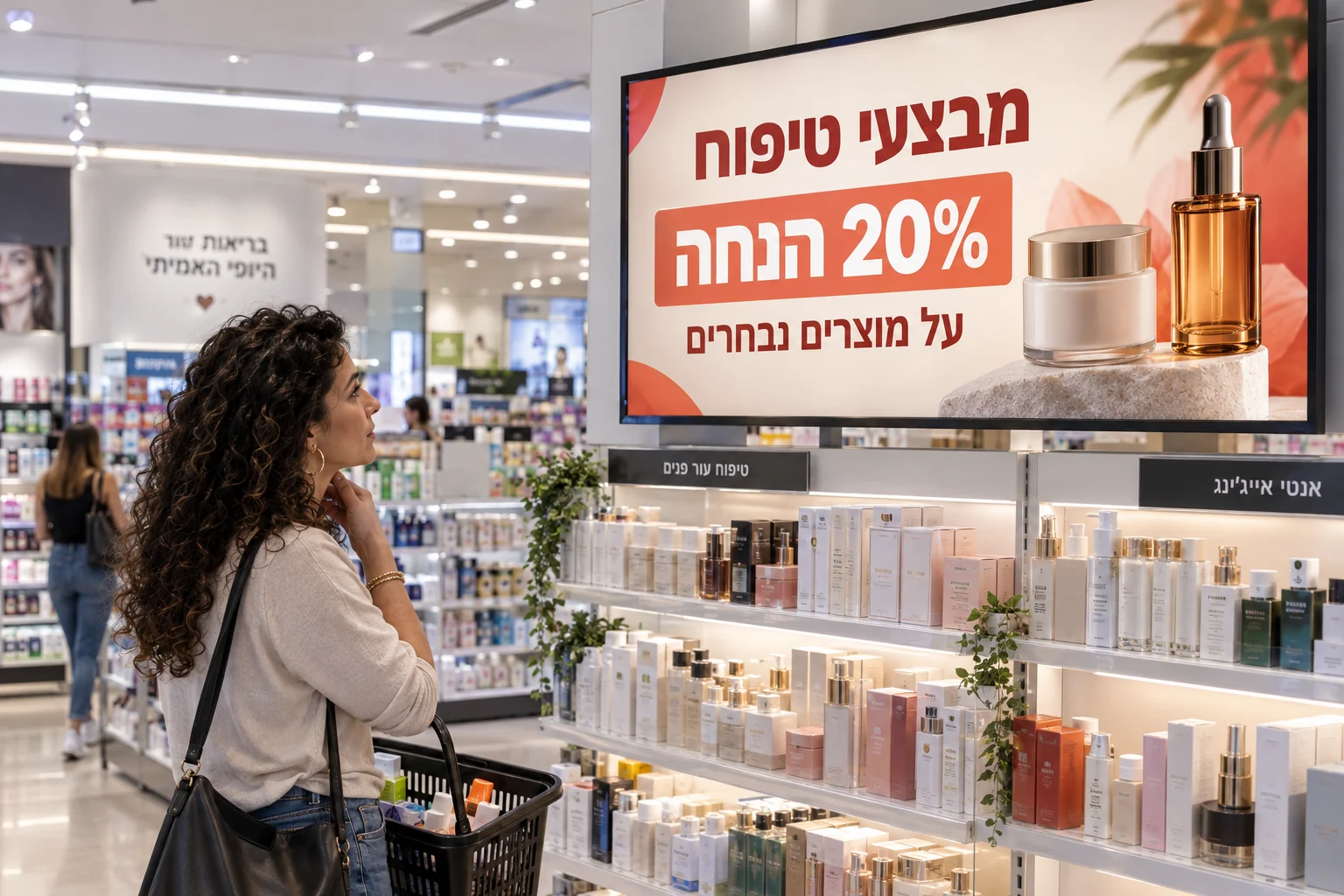
Campaigns, product discovery and touch experiences at the point of decision.
Hub4Screen brings content, operations and interaction into one system, so a screen can adapt to its location, audience and purpose without becoming another technical project.
See the estate, organize screens and choose exactly where an experience belongs.
Build playlists, visual content, guided journeys, games and product catalogs.
Understand screen health and anonymous interaction events in one operational picture.
Use the same managed screen differently throughout the day — without changing hardware.
Schedule branded visuals and video for a network, branch, group or individual screen.
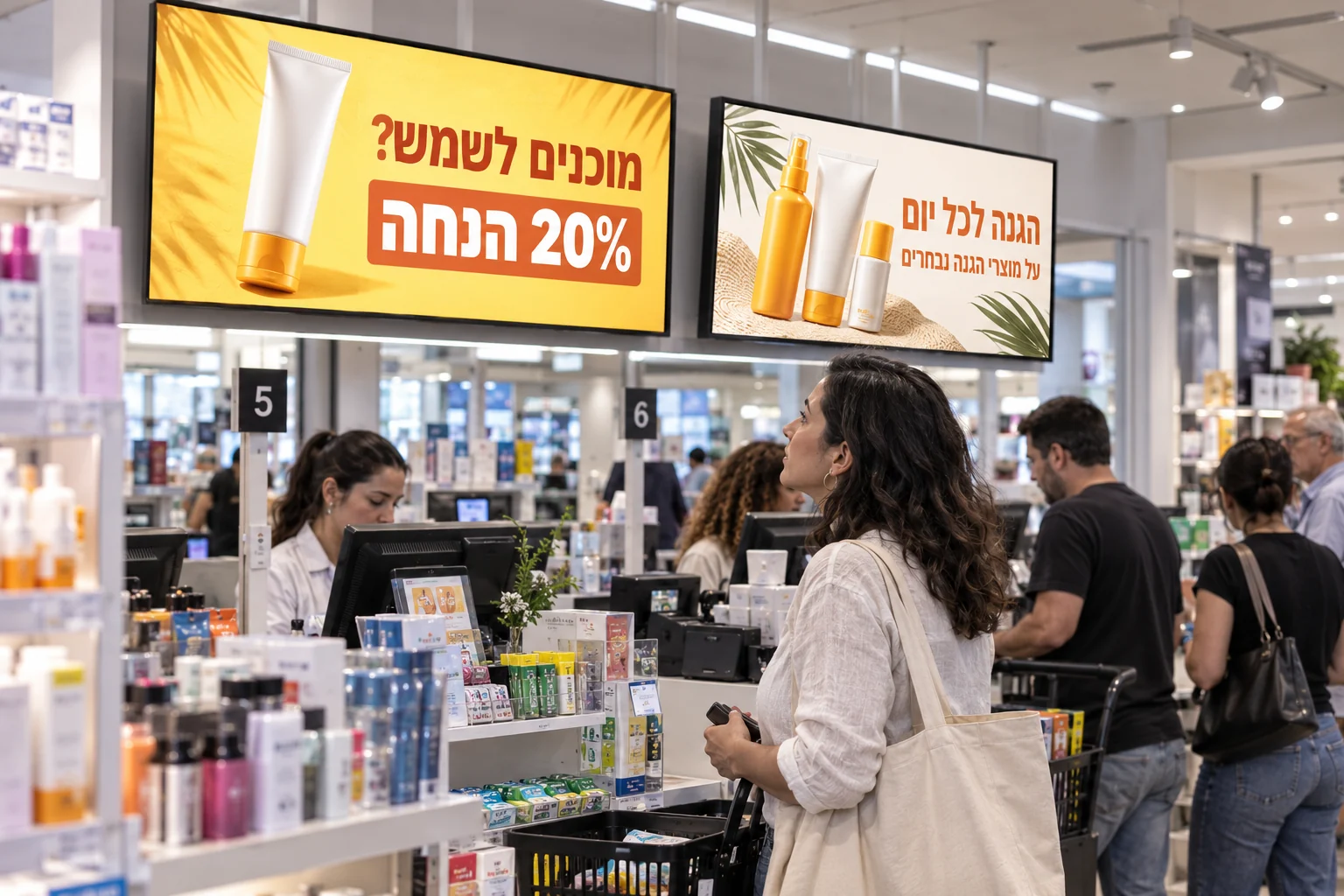
Combine media, product moments and layouts into a controlled sequence.
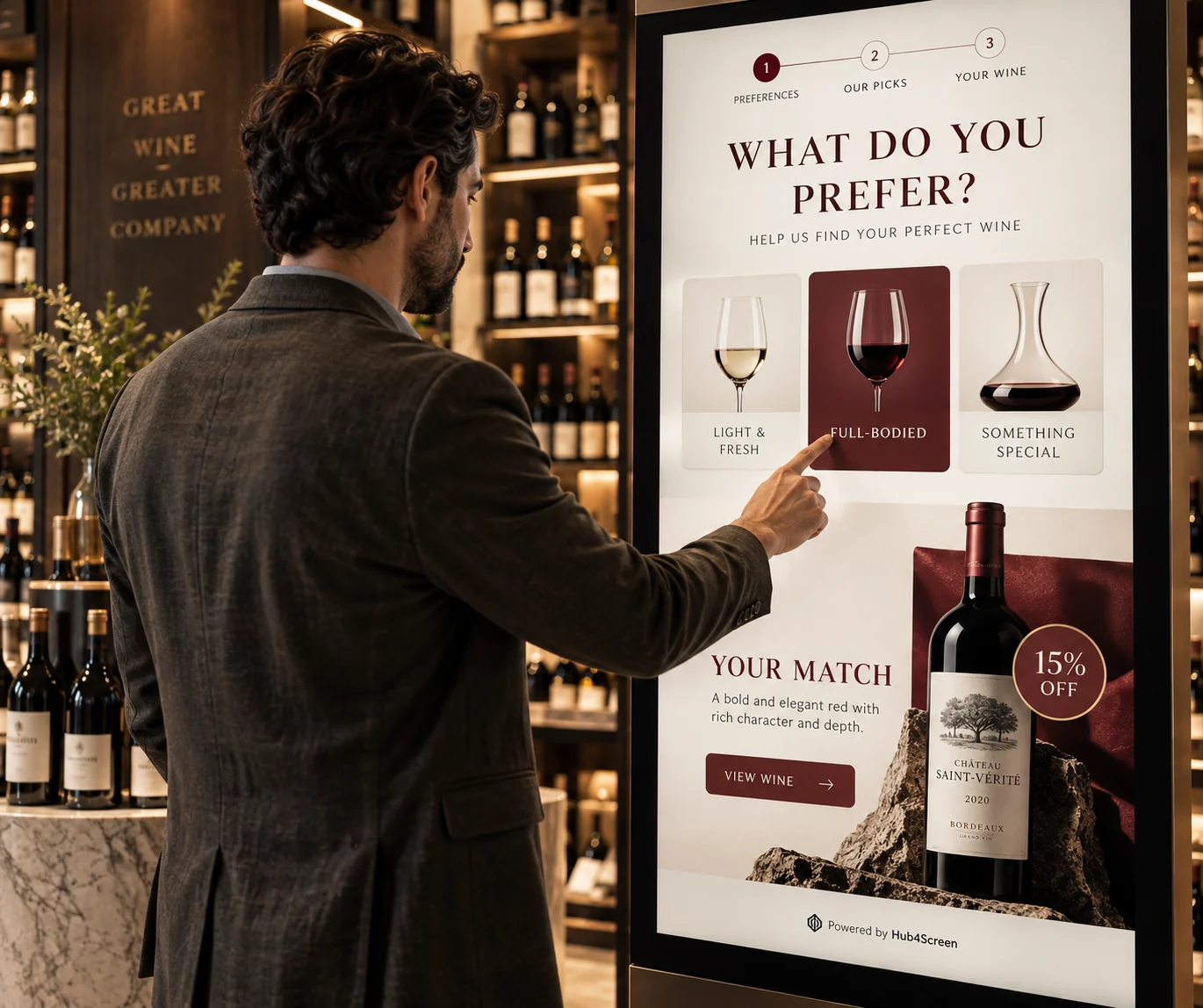
Guide people through questions and answers to a relevant recommendation.
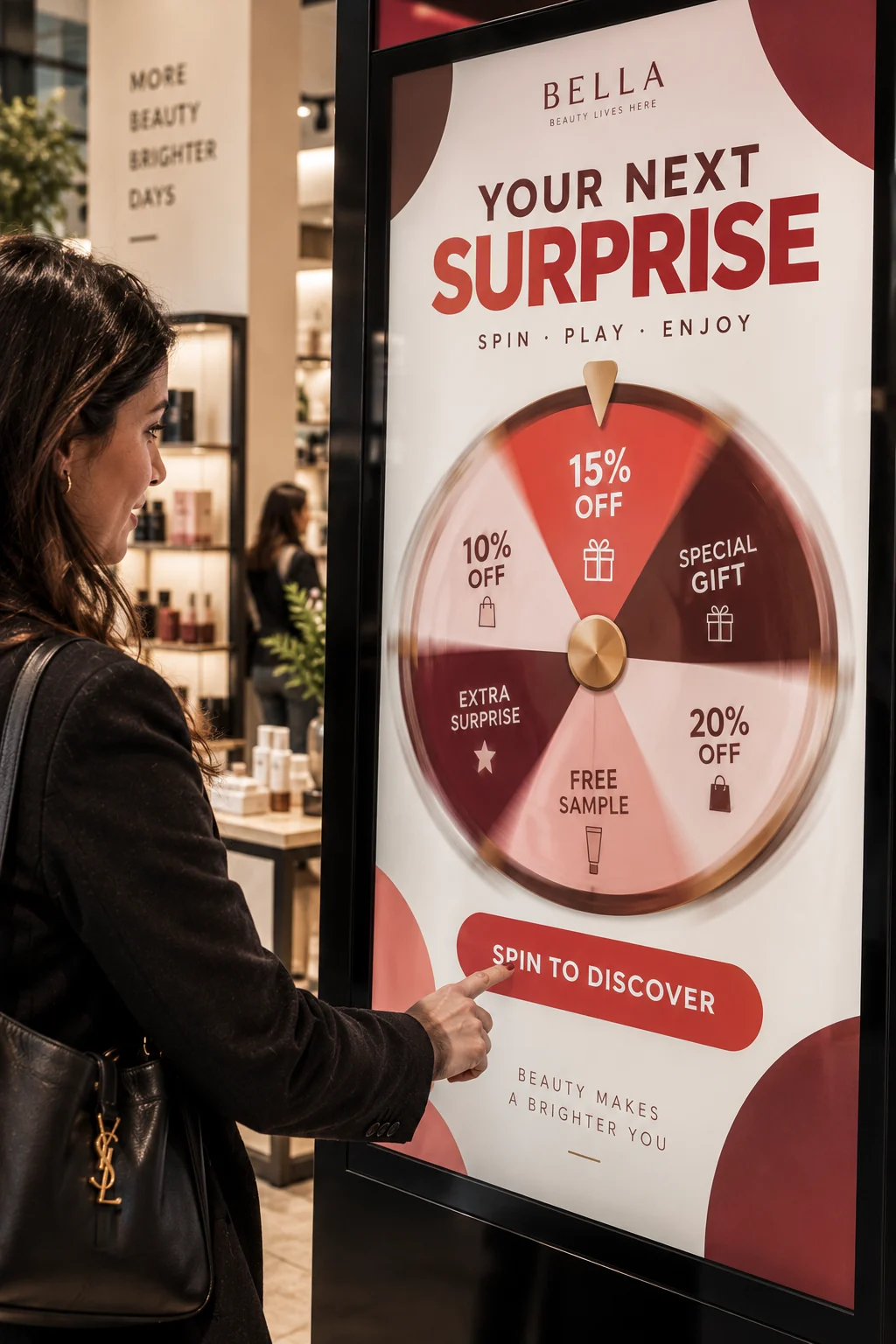
Run branded touch games as part of an in-location experience.
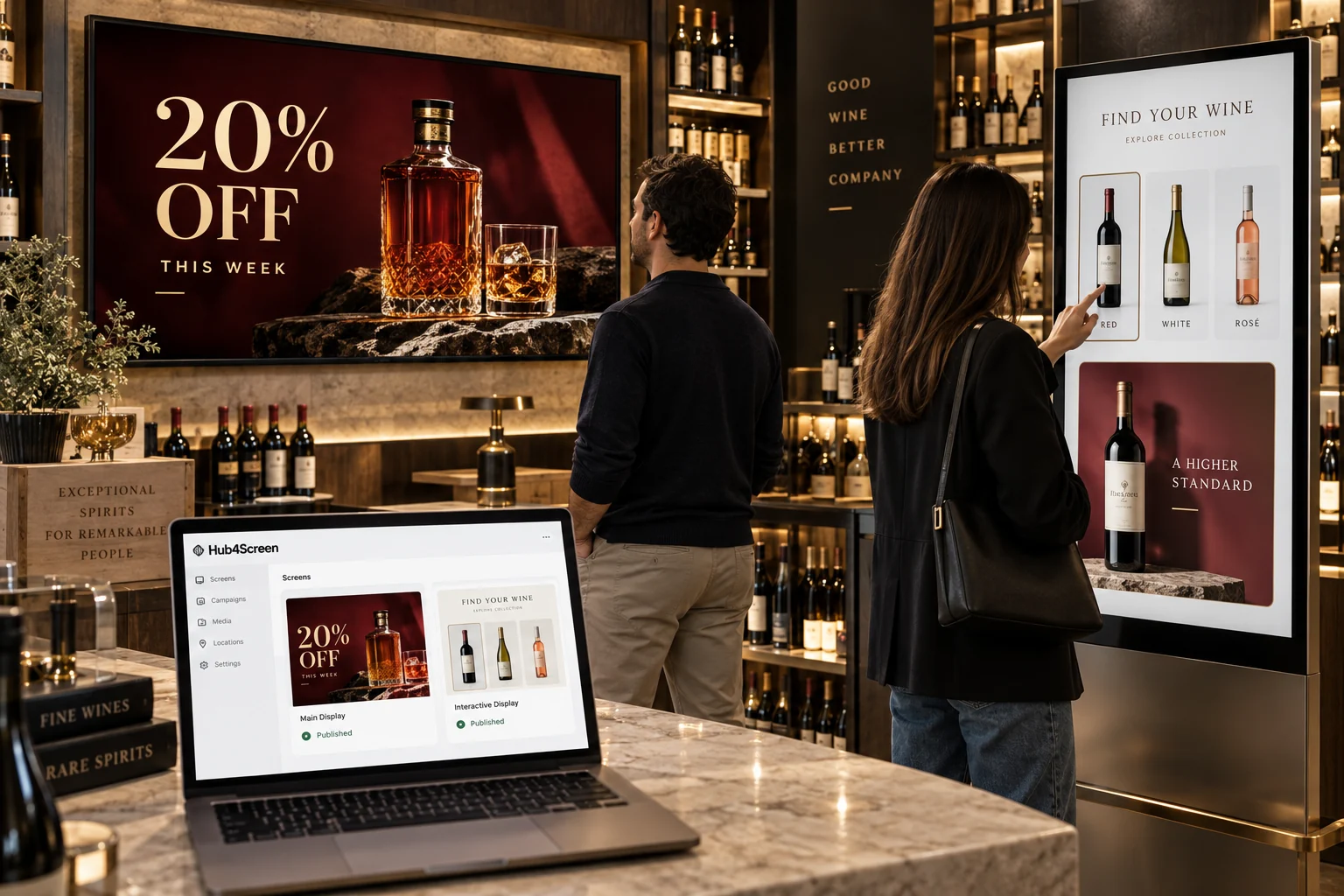
Present a touch-friendly product grid and open a focused product detail view.
Organize screens by network, branch and dynamic group. Assign the right experience at the level that matches the operation, then keep a clear view of what is connected and where.
Network
Hub4Screen
Central branch
Entrance screens
Window
Welcome
Touch display
At a market stall or a café: upload a photo, create a campaign with AI, add your offer and publish it to the screen. You choose the content and approve the result.
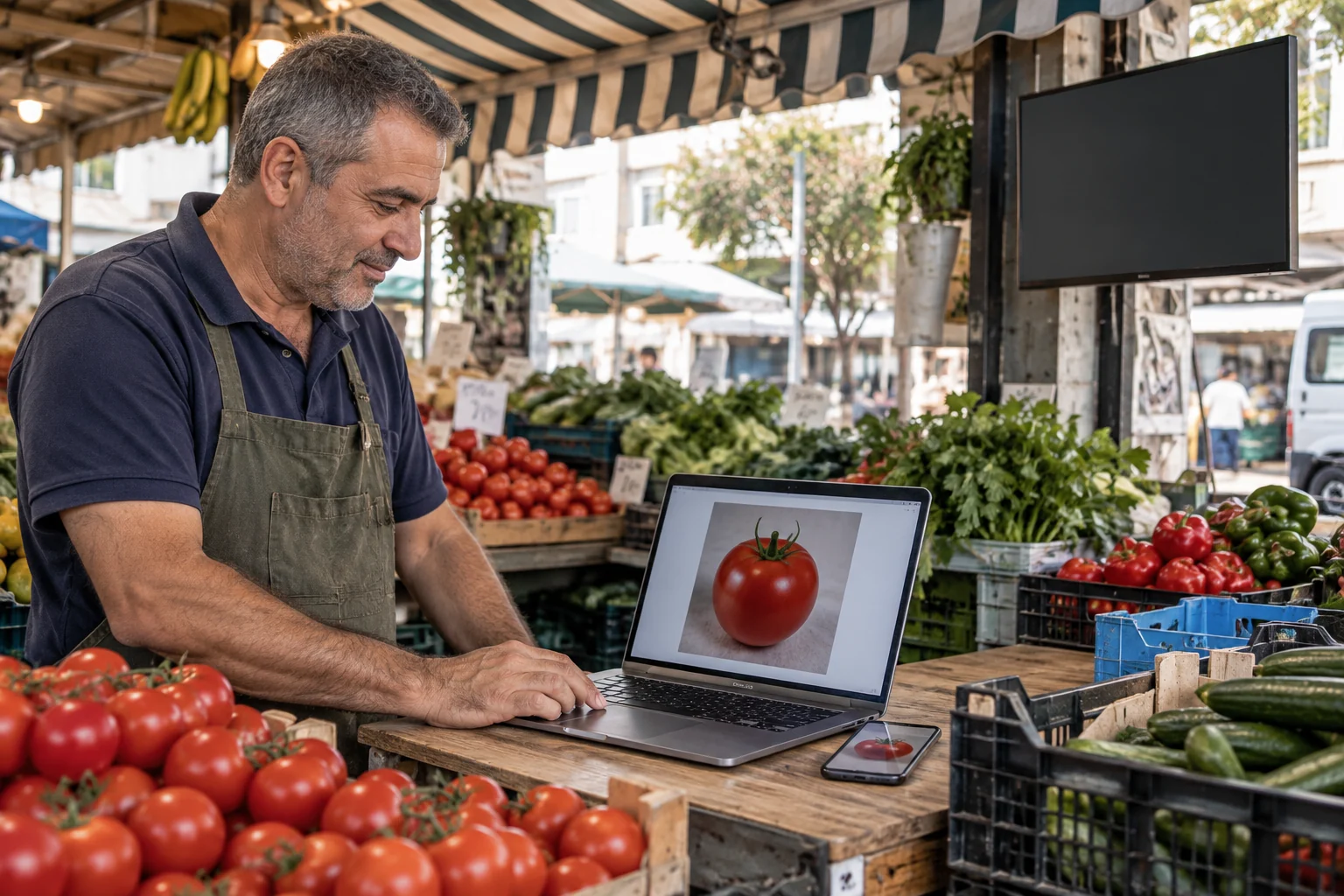
A simple tomato photo, straight from the stall.
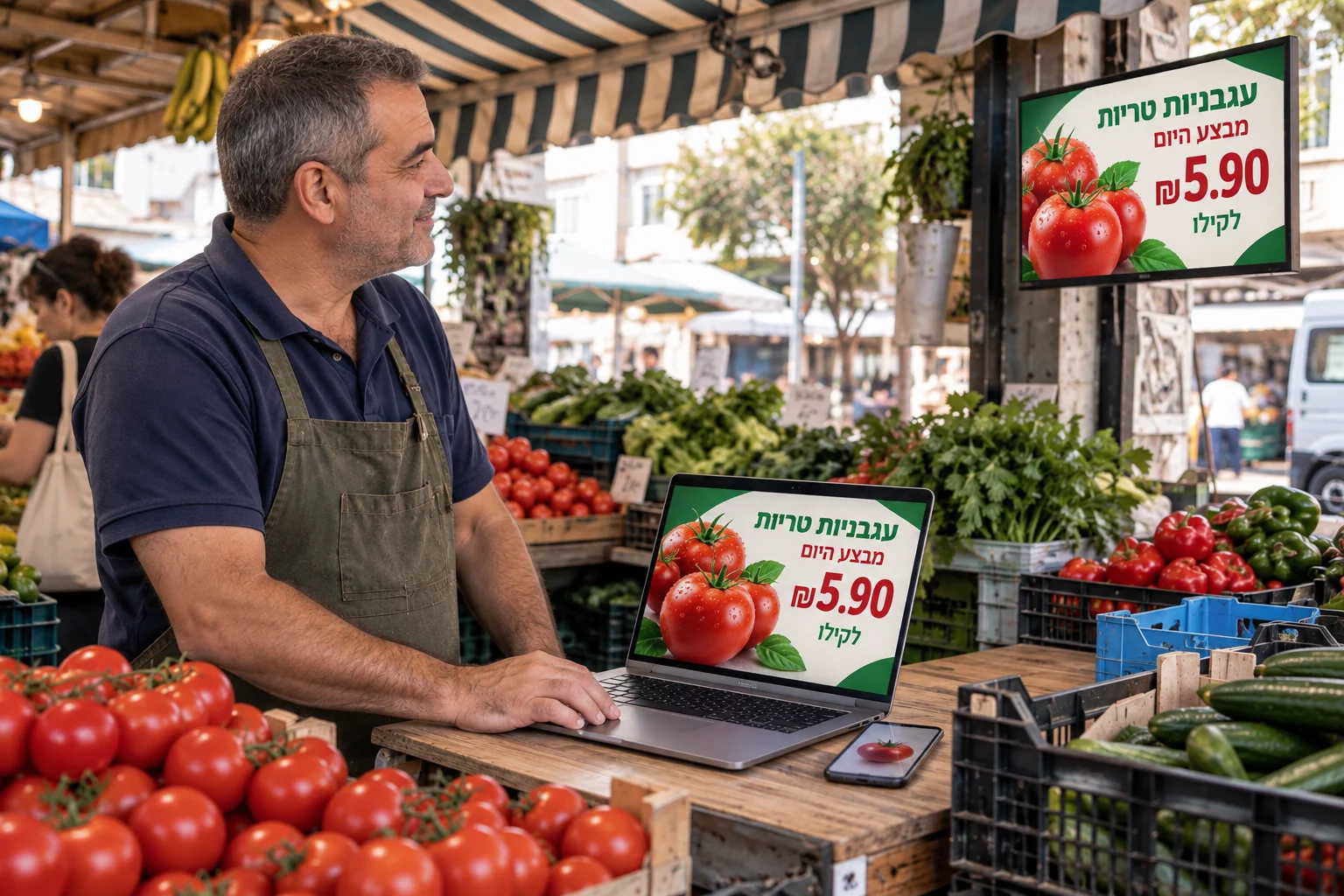
The same product becomes a campaign with a price and a clear message for shoppers.
An illustration of creating content and publishing it to a screen.
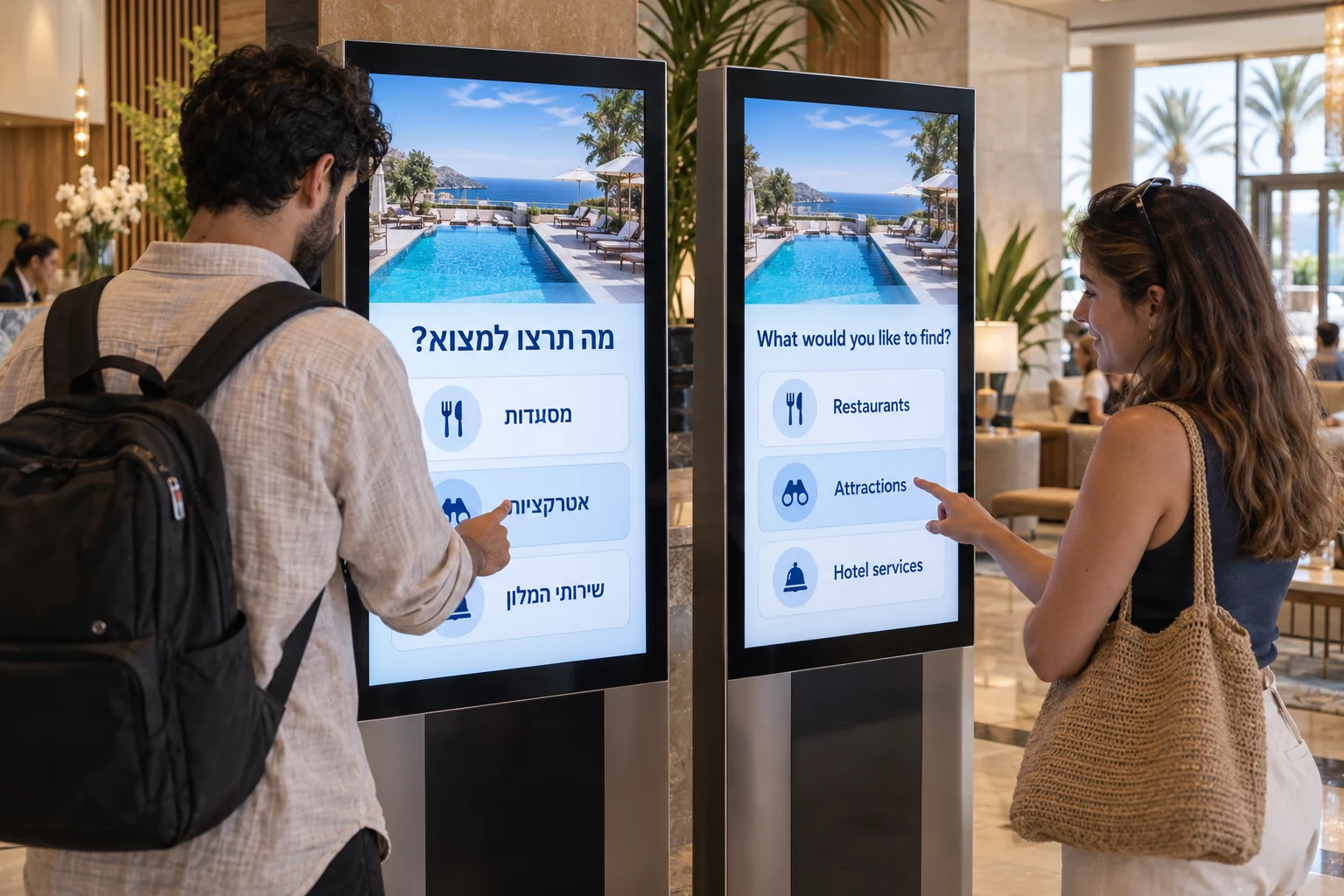
Create the questions and answers in one language, then prepare the selected language versions with AI assistance and human review.
Create a clear guided path without writing code.
Find and reuse the right tags without searching through an endless list.
Connect answers to products and present a useful next step.
Connect Hub4Screen to external POS, inventory and product management systems. Bring available product photos, prices and details into a branded screen catalog, with the integration adapted to your system and its available data.
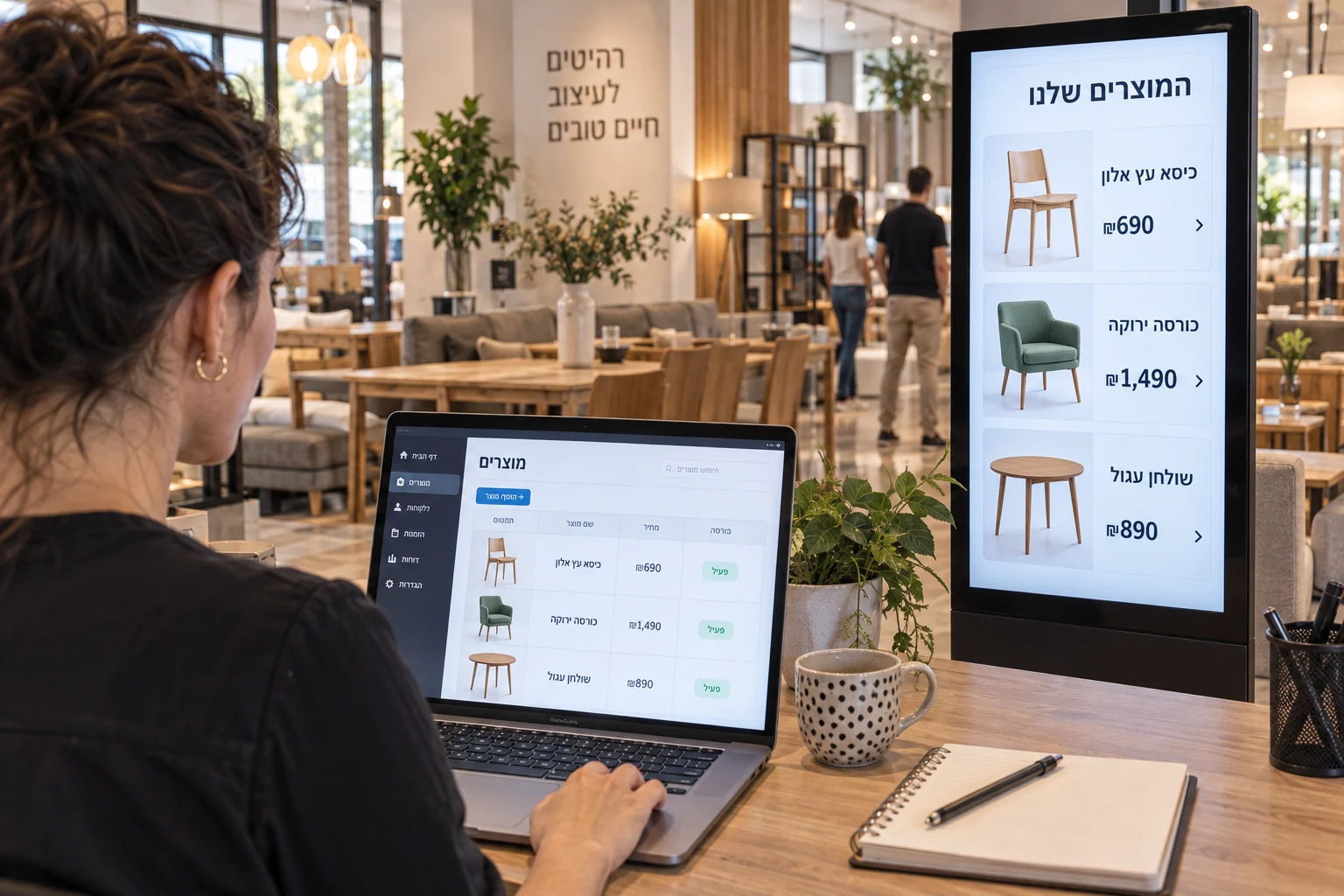
Connect an existing product source and map its information into a catalog: photos, names and prices brought to the screen.
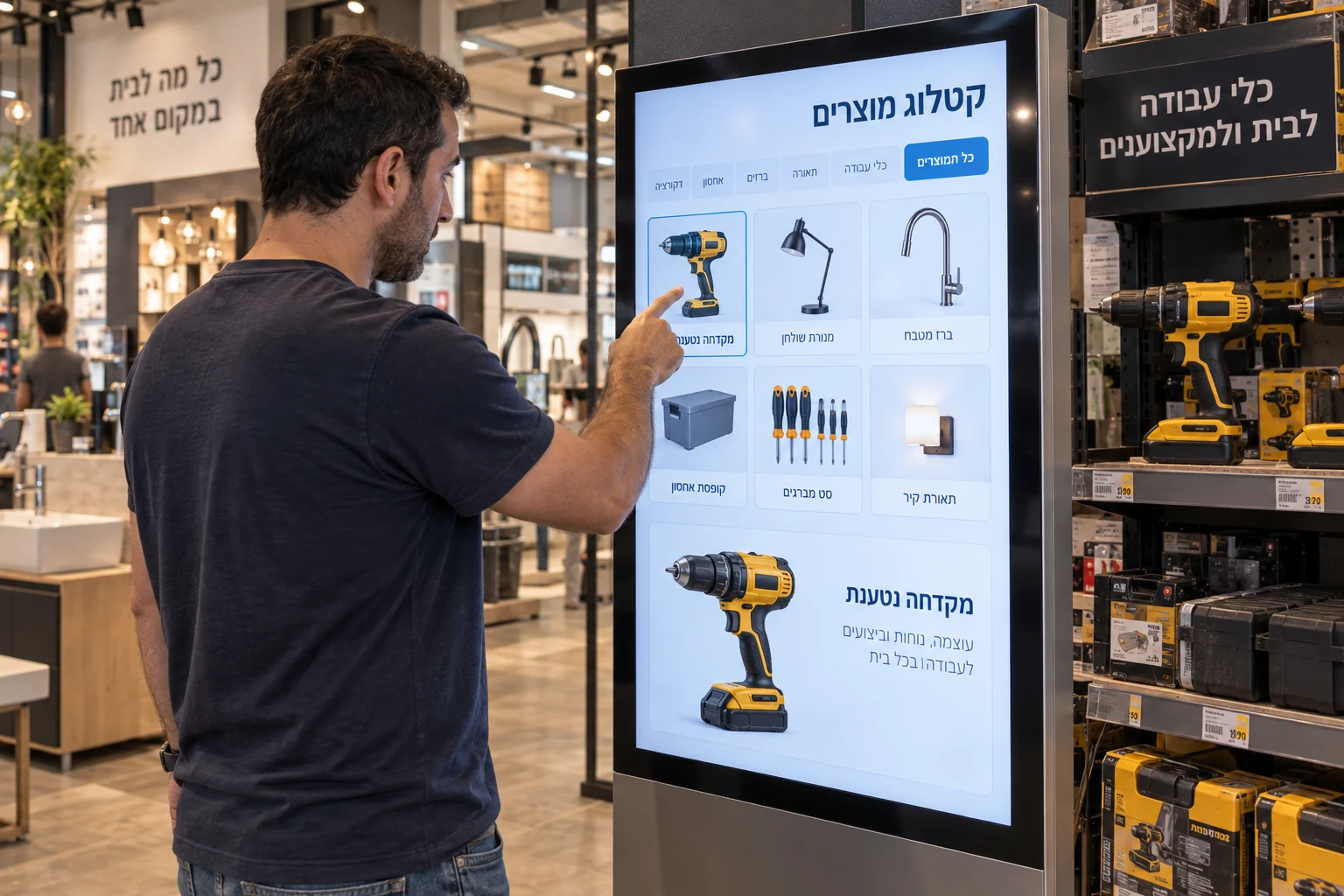
Visitors choose a category or product and explore relevant details through a touch-friendly experience.
Images illustrate a product-source connection and catalog experience; the interfaces shown are not actual software screenshots. Connections are adapted to the source and its available fields.
Collect experience starts, answers to questions, product opens and journey completions. These events help you understand how visitors use the experience, alongside the operational status of your screens.
Interaction analytics work with anonymous sessions, without requiring customer identification.
Experience started
anonymous session
Question answered
anonymous session
Product opened
anonymous session
Journey completed
anonymous session
For businesses that want customer identification, a connection to an existing loyalty system can be scoped and adapted. Following an explicit customer sign-in, the agreed interaction events can be linked to a member record through the integration.
Customer identification is optional. The connection and data exchanged are defined to match the external system’s capabilities and the agreed identification flow.
Discuss a loyalty integrationFrom shops and schools to office lobbies and bus shelters, every place has its own audience, purpose and content.
Campaigns, offers and product discovery at the point of decision.

Announcements, events and updates for students and staff.
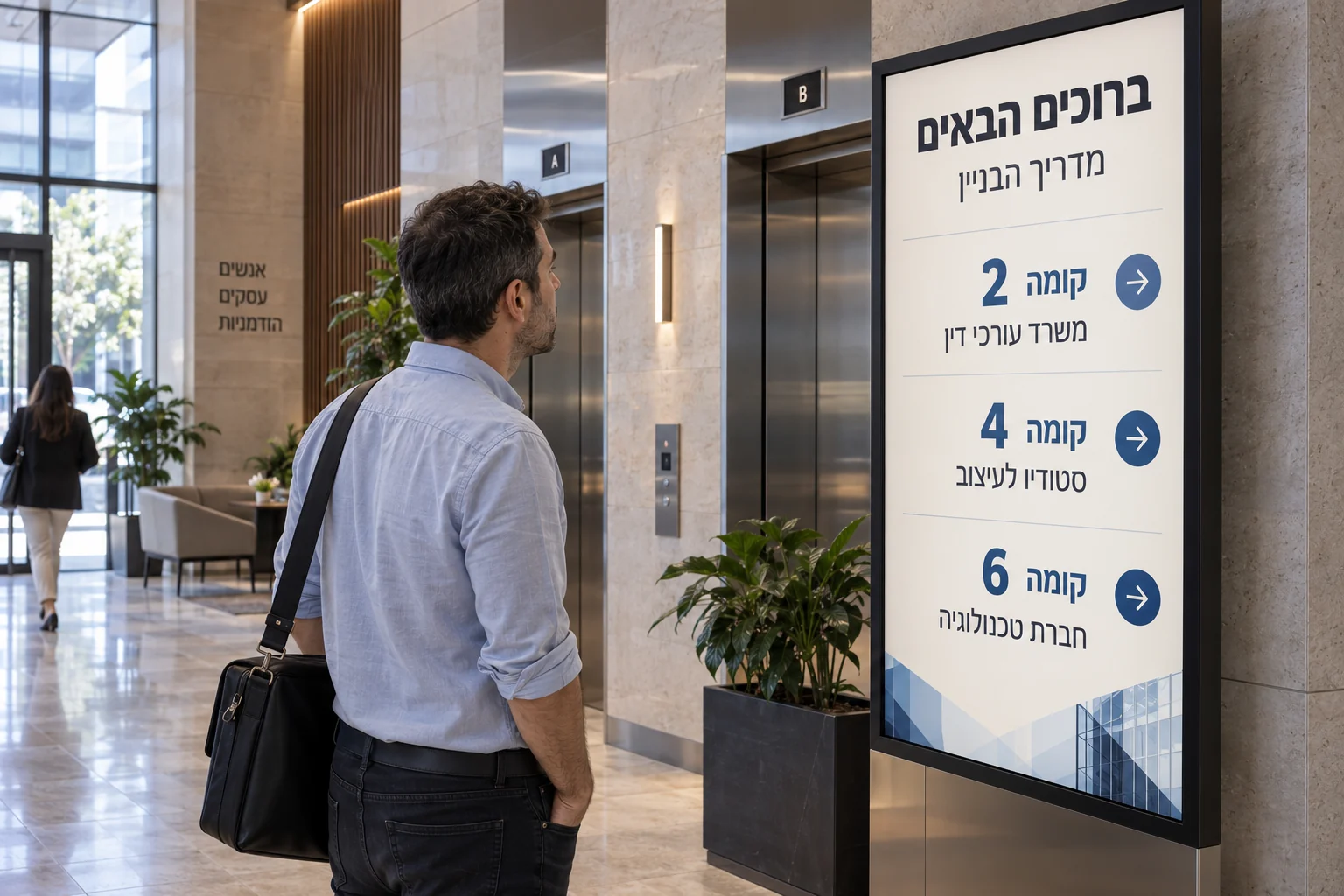
Visitor directories, welcome screens and internal communication.
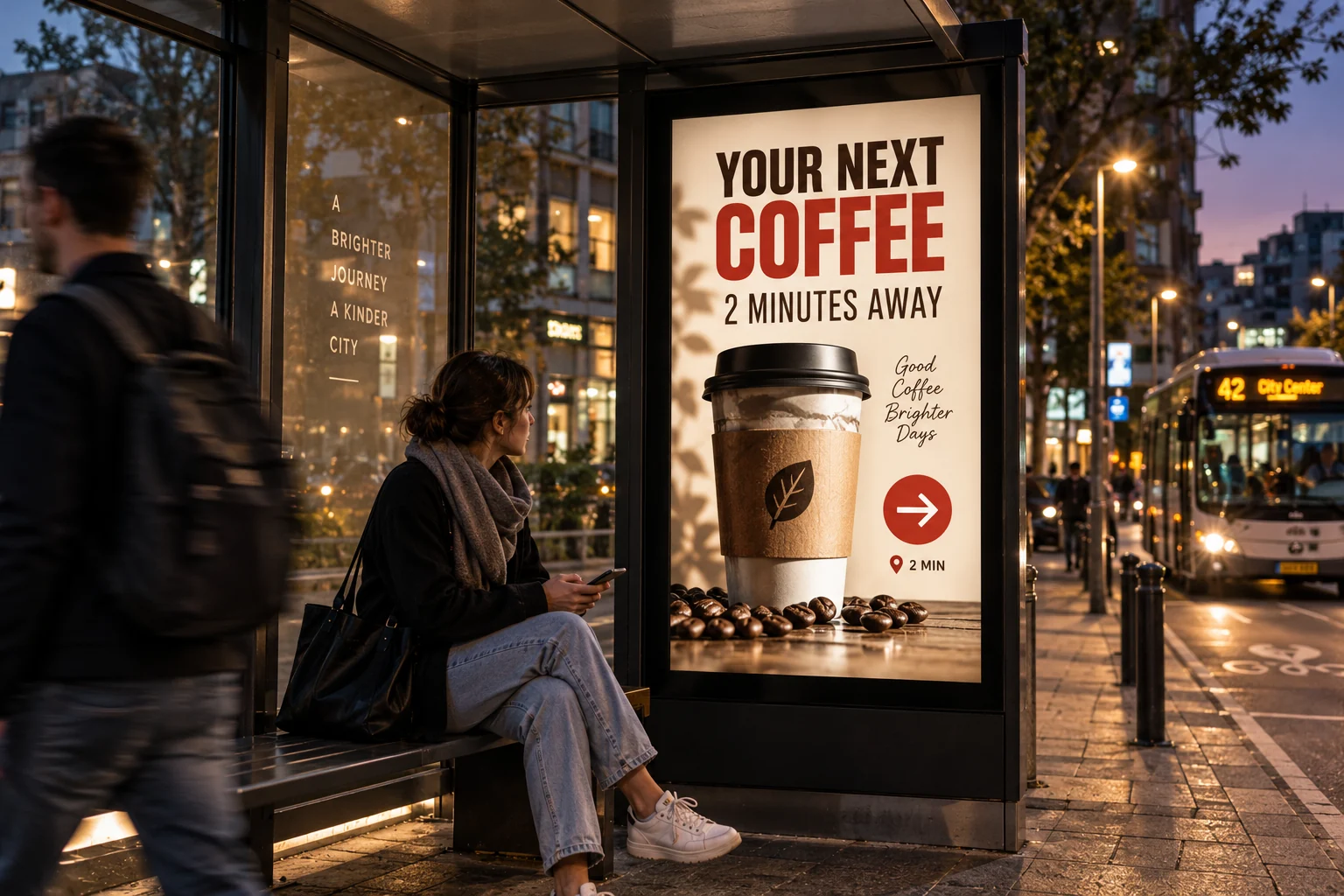
Local business advertising and useful information for people on the move.
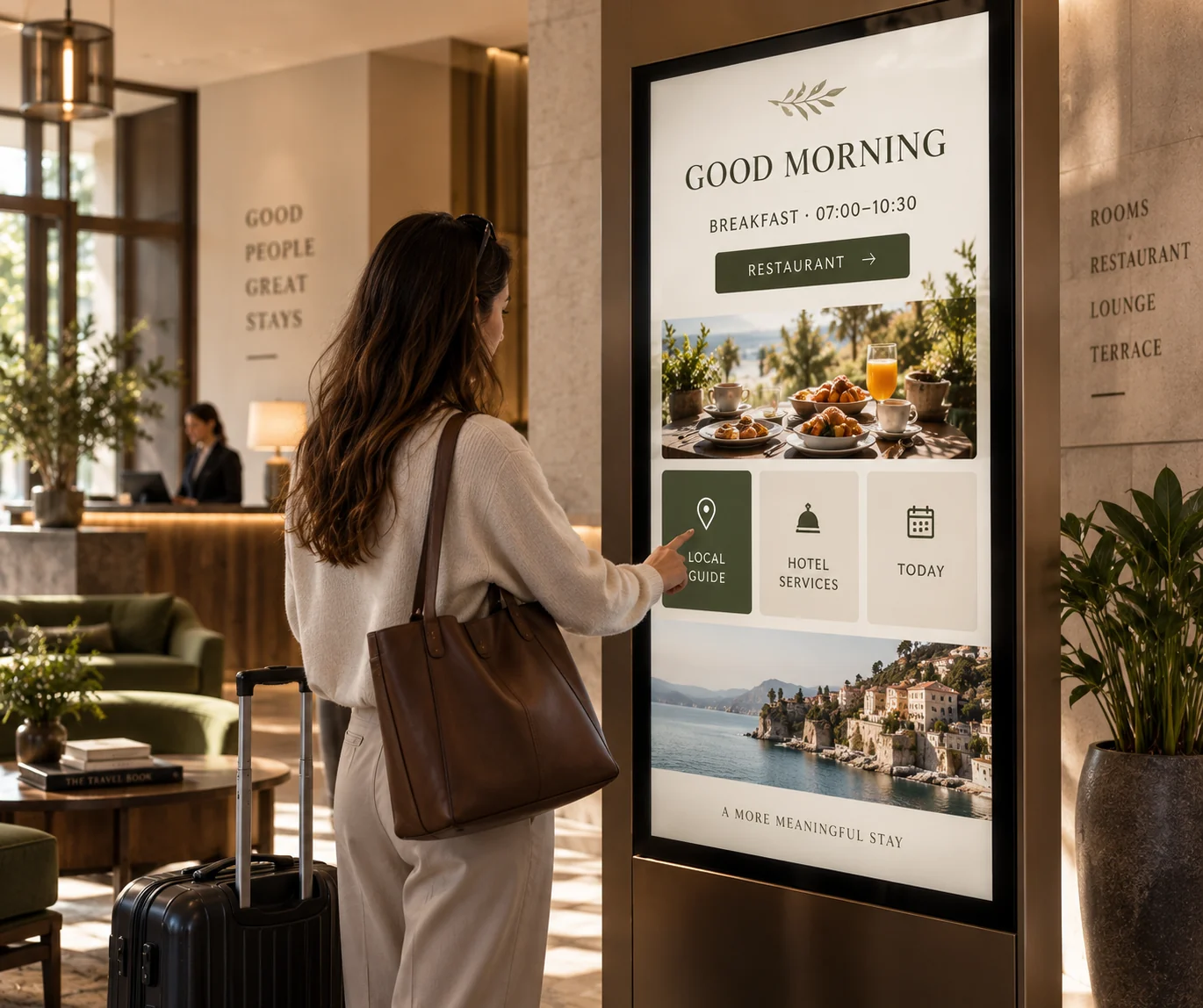
Guest information, services and directions throughout the stay.
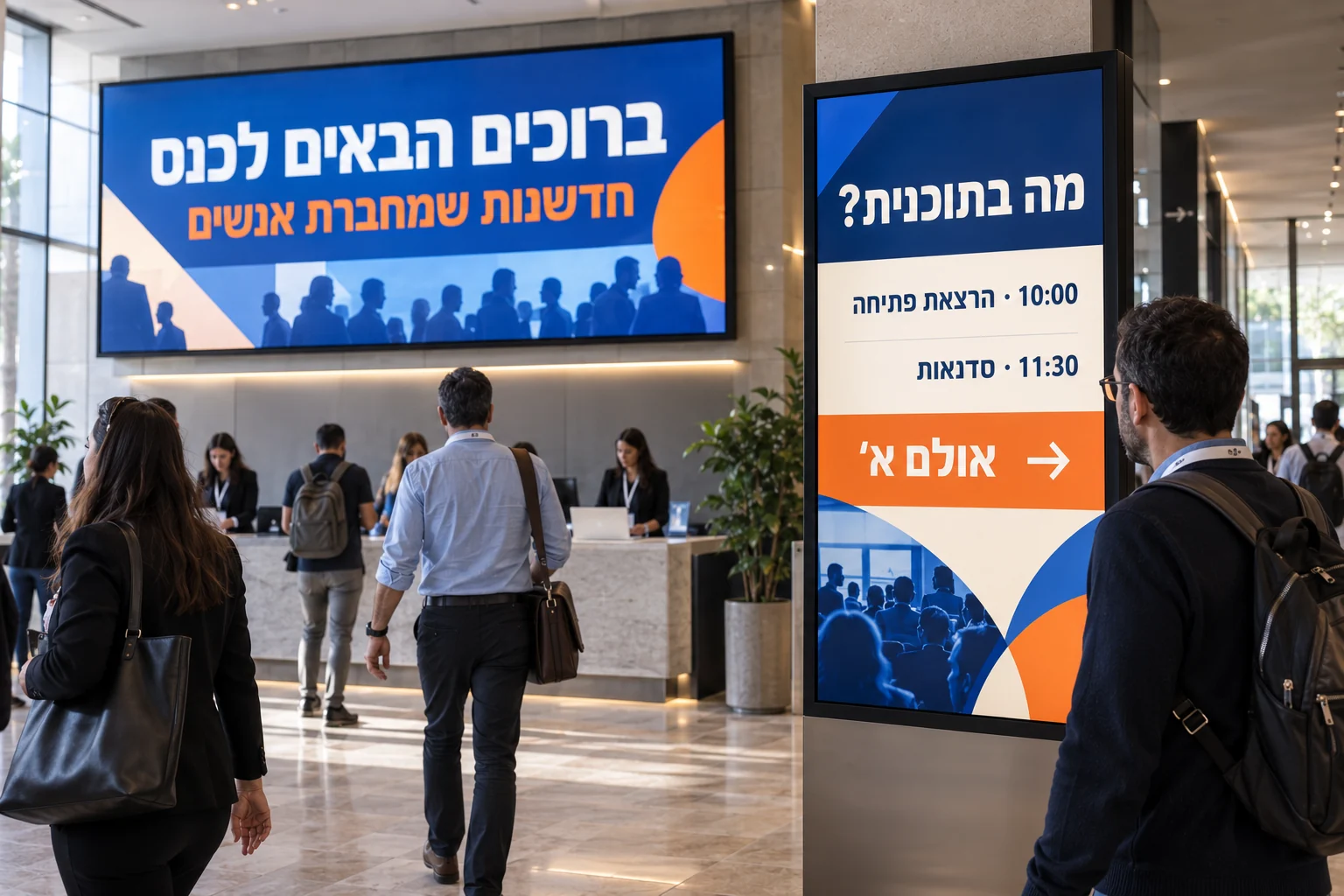
Welcome messages, event schedules and content shaped for the venue.
Images illustrate use cases and experiences; they are not photographs of customer deployments.
Three touch games built around a business’s products and visual identity.
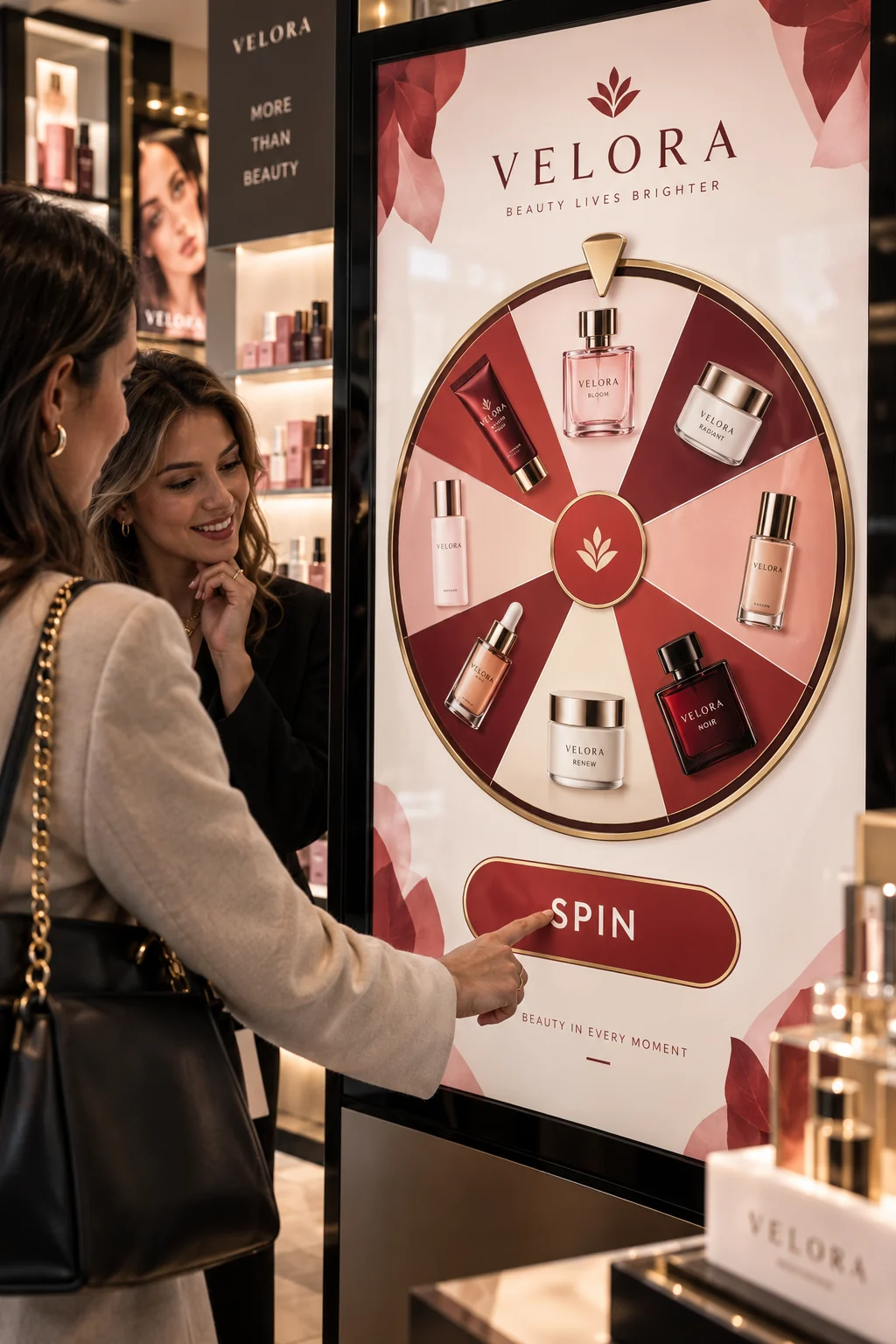
An interactive wheel featuring the business’s products and visual identity.
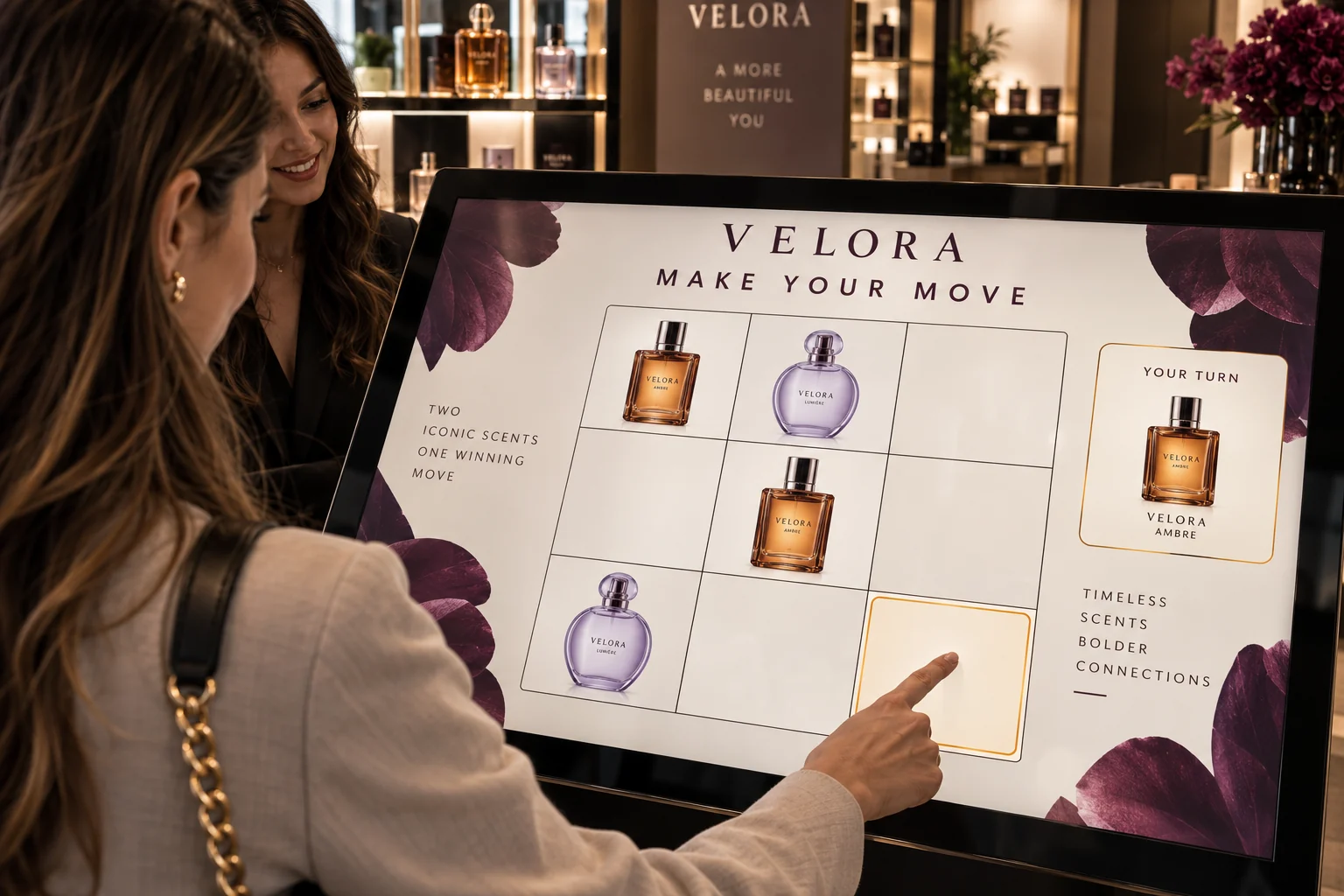
Product photos replace the traditional symbols and become the game pieces.
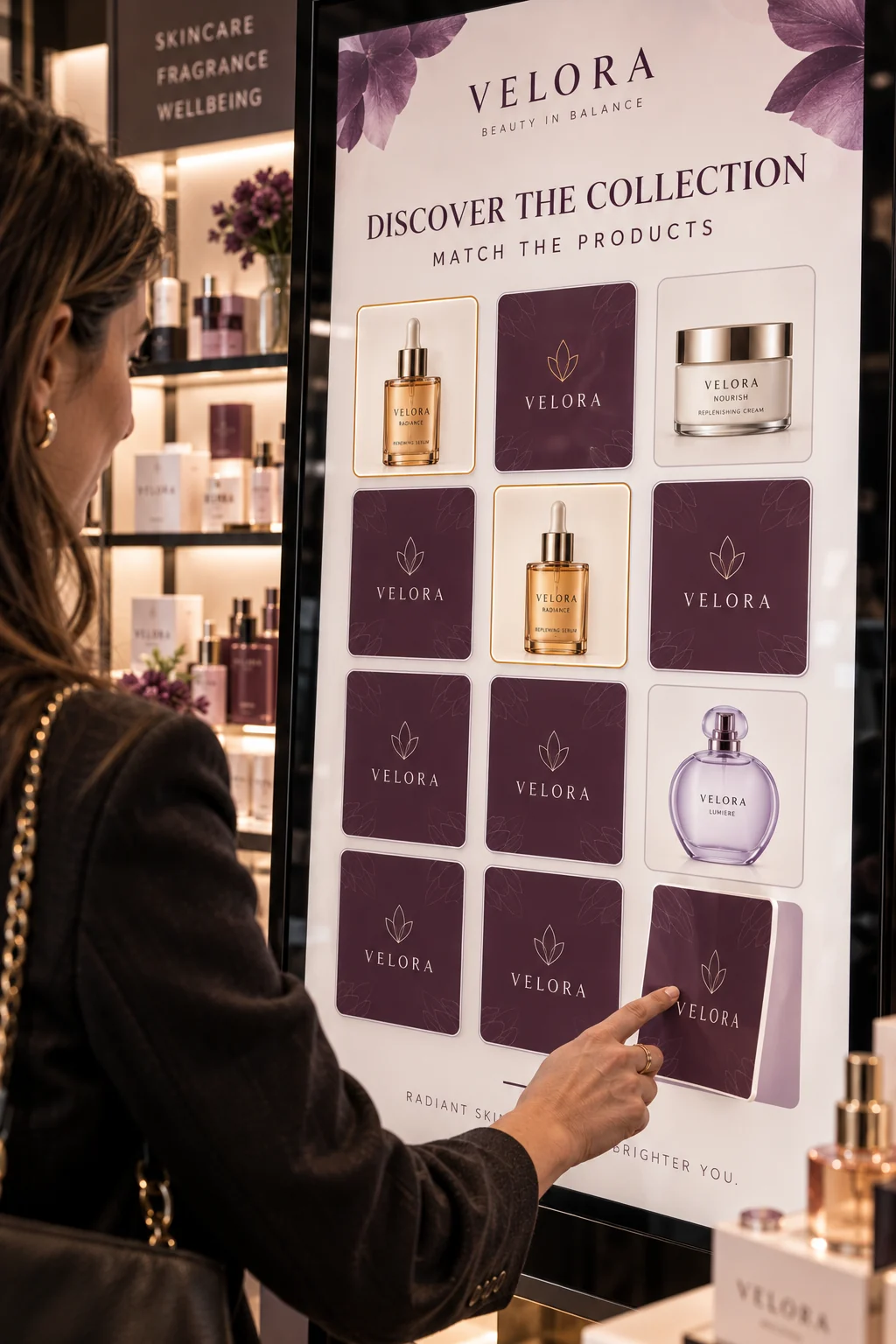
Match product pairs and discover the brand through play.
Images illustrate use cases and experiences; they are not photographs of customer deployments.
Install the player, verify the device and place it in the right branch or group.
Build a playlist, questionnaire, game or catalog around the goal.
Publish to the right screens and use events and status to understand what happened.
Let’s map the first experience to your locations, content and existing systems.